
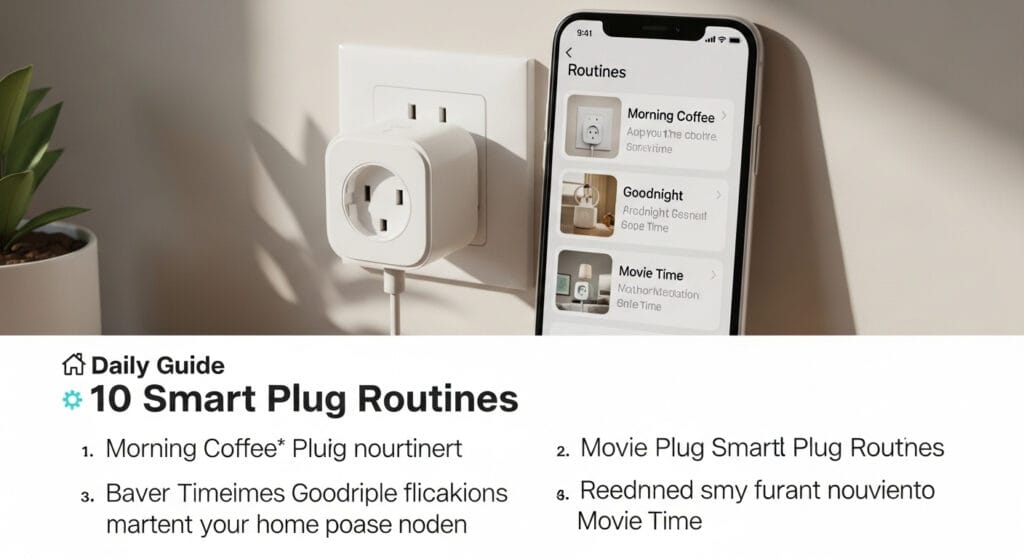
Busy mornings and forgotten switches feel super annoying, right?
Smart plug routines fix that with simple on-and-off automation.
I use them daily for coffee, lights, and energy savings.
Here are the routines that actually earn their keep.
The 10 smart plug routines you will actually use (ranked)
You want routines that feel useful on day one.
You do not want “robot butler cosplay” that you never repeat.
These ten routines show up in real reviews and videos.
They focus on convenience, safety, security, and lower power use.
1) Morning coffee that starts before you stumble awake

Set your coffee maker to start 5–10 minutes early.
You fill water and grounds the night before.
You wake up to coffee, not sad kitchen silence.
People rave about this “ultimate morning” combo in videos.
Quick win devices: drip coffee maker, kettle, bottle warmer.
Trigger idea: fixed time, or right before your alarm time.
2) “Soft wake” lamp that turns on like a mini sunrise
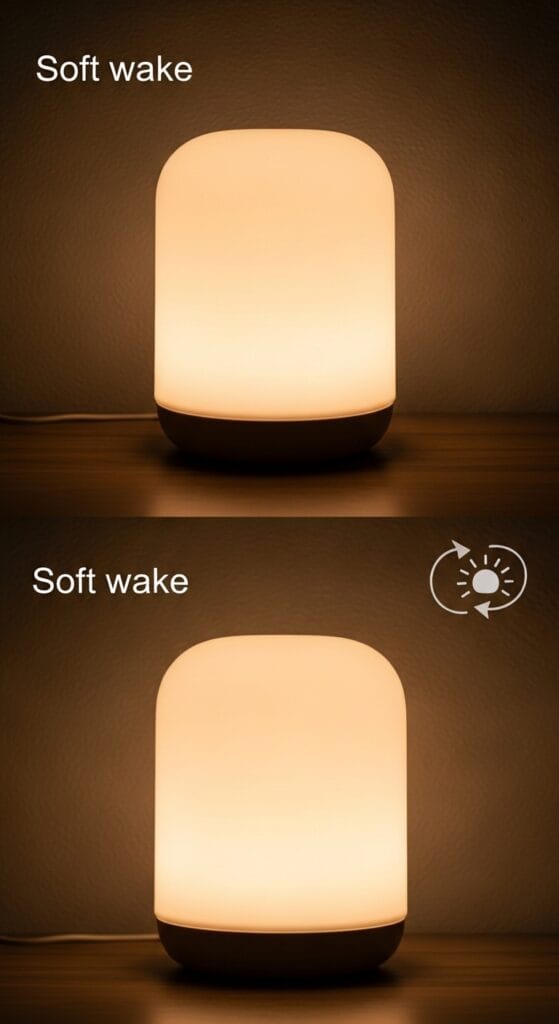
A bright overhead light feels like a jump scare.
A bedside lamp at low brightness feels way nicer.
You schedule it for your wake time or sunrise.
This routine also helps kids who hate dark hallways.
Quick win devices: bedside lamp, hallway lamp, bathroom lamp.
Trigger idea: schedule, sunrise, or “Good morning” voice command.
3) Arrival lights that turn on when your hands are full
Ever carried groceries while hunting for a switch?
I hate that game, so I automated my entry lamp.
Users do this a lot for garage and porch lights.
It also makes your house look “awake” at night.
Quick win devices: entry lamp, garage light, porch string lights.
Trigger idea: schedule, sunset, or “I’m home” voice command.
4) Bedtime shutoff that kills the “did I leave it on?” worry
You can stop doing the nightly outlet patrol.
Just run a routine that turns off selected plugs.
People love this for nightstand lamps and bedroom lights.
You also avoid waking someone with a bright switch flip.
Quick win devices: lamps, wax warmers, fans, chargers.
Trigger idea: fixed bedtime or “Good night” voice command.
5) Vacation mode that fakes occupancy with random lighting
Burglars love dark, quiet houses with no patterns.
So you use random on-and-off lighting while you travel.
Verified reviewers call this out for peace of mind.
It beats leaving one lamp on nonstop for a week.
Quick win devices: living room lamp, bedroom lamp, radio.
Trigger idea: random schedule blocks during evening hours.
6) “Vampire power” killer for TVs, consoles, and chargers
Some devices sip power even when you “turn them off.”
A smart plug can cut that standby draw automatically.
Testers and guides call this out as an easy savings play.
It also stops that one charger that stays warm forever.
Quick win devices: game consoles, TV accessories, desk chargers.
Trigger idea: bedtime shutoff, or “Away” routine.
7) Safety shutoff for irons, curlers, and space heaters
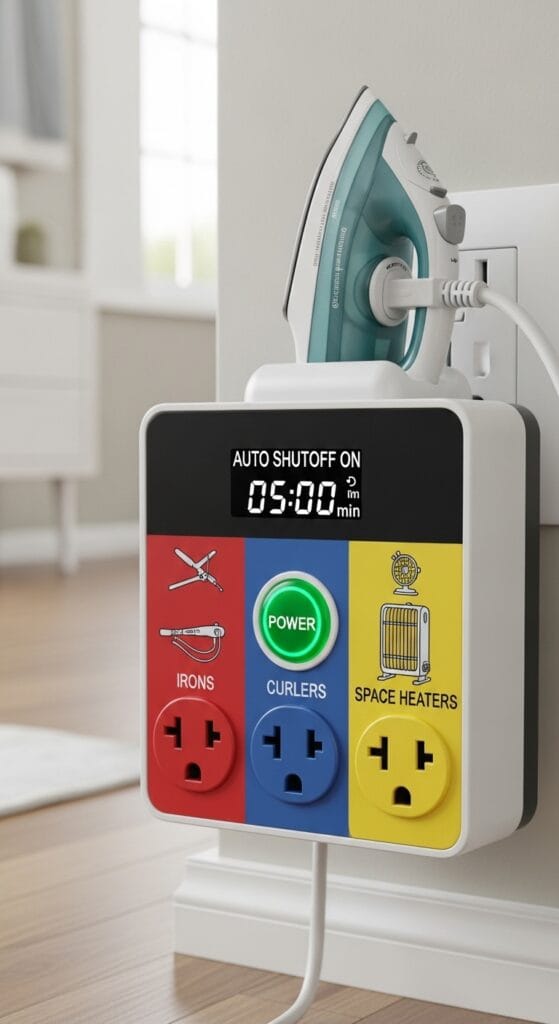
You know that panic feeling halfway down the street.
You open the app and turn the plug off.
People buy plugs just for this safety check routine.
Cheaper plugs often fail here, which feels… not great.
Quick win devices: hair tools, iron, portable heater (rated use only).
Trigger idea: “Leave home” routine, or one-tap shutoff.
8) Pre-cool or pre-fan a room before you walk in

No one loves walking into a hot bedroom.
You can start a fan before you arrive home.
Users also run dehumidifiers on schedules for comfort.
This routine feels small, then you cannot live without it.
Quick win devices: fan, dehumidifier, air purifier.
Trigger idea: schedule, or “I’m on my way” voice command.
9) Movie mode that silences annoying stuff for two hours
Some pumps, fans, or lights ruin a movie vibe.
So you say one command and quiet the room.
One user even paused fish tank pumps during films.
I do this with a loud air purifier, because peace matters.
Quick win devices: aquarium pump (if safe), air purifier, accent lights.
Trigger idea: “Movie time” voice command.
10) Simple charging timers that stop all-night charging habits
You do not need your phone charging for eight hours.
You can run a two-hour timer, then shut power off.
People use this for toothbrushes and kid tablets too.
It also cuts clutter from “always on” charging bricks.
Quick win devices: phone chargers, tablet chargers, toothbrush base.
Trigger idea: timer, or bedtime routine.
Why smart plug routines work so well (and why people stick with them)
Smart plugs feel boring until you use them for a week.
They automate dumb devices without buying expensive smart versions.
You plug in a device, then control it by app or voice.
That simple move unlocks schedules, sunrise timers, and routines.
Most people care about reliability, not fancy features.
That shows up loudly in verified customer reviews.
One reviewer said cheaper plugs worked “a quarter of the time.”
Another said their Amazon plug worked “every time” with Echo.
Here’s the trust signal that matters for busy homes.
The Amazon Smart Plug shows 4.8/5 stars from 720 reviews.
Best Buy reviewers rate ease of use at 4.8/5.
They rate quality at 4.9/5, which feels pretty strong.
People also scale up fast once routines feel useful.
Reviewers report buying five to ten plugs per home.
One person said they now own ten, and all work great.
Ever noticed how small wins make you add “just one more”?
Setup that takes minutes (Alexa steps first, because reality)
Most smart plug videos teach Alexa routines first. [1]
That makes sense because Alexa dominates basic plug automation.
I also like Alexa’s simple routine tester button. [1]
You tap play, and you see it work right away.
Alexa routine setup (the exact path people use)
Follow this flow inside the Alexa app.
You can build an “on” routine and an “off” routine.
You also name routines by device for easy sorting.
FYI, I disable routines instead of deleting them.
Steps (Alexa): [1]
- Open Alexa app on your phone.
- Tap More and then tap Routines.
- Tap the + button to create a routine.
- Name it something clear like “Entry Lamp On.”
- Tap When this happens and choose a trigger.
- Choose Schedule, then pick time, sunrise, or sunset.
- Pick the days you want, then confirm the schedule.
- Tap Add action, then tap Smart Home.
- Select your smart plug, then choose Power On.
- Tap Save, then tap Play to test.
Repeat those steps for your “off” routine too.
You can build “Entry Lamp Off” with a later time.
You can also tie off-routines to bedtime commands.
Why make life hard when you can make it automatic?
Google Home and SmartThings setup (same idea, different buttons)
Google Home and SmartThings follow the same logic.
You create an “If” trigger and a “Then” action.
You pick time, motion, or device state as triggers.
Then you choose the plug action, like on or off.
Common triggers you will actually use:
- Time schedules for mornings and bedtimes.
- Sunrise or sunset for lights and mood.
- Voice phrases like “Good night” or “Movie time.”
- Away mode for safety and energy savings.
Routine planner table (so you pick the right plug)
Some routines need only basic scheduling support.
Other routines work better with energy monitoring support.
This table helps you match the routine to the plug features.
IMO, this saves the most money and frustration long term.
| Routine goal | Best device examples | Feature you need | Nice-to-have |
|---|---|---|---|
| Morning coffee | Coffee maker, kettle | Scheduling | Voice control |
| Arrival lighting | Lamps, porch lights | Sunset timers | Group control |
| Bedtime shutoff | Lamps, chargers | Routine scenes | One phrase |
| Vampire power cuts | Consoles, TVs | Strong reliability | Energy stats |
| Chore “done” hints | Washer area plug | Energy monitoring | Alerts |
| Vacation presence | Lamps, radio | Random schedules | Remote control |
| Outdoor lights | String lights | Outdoor rating | Weather seal |
Proof these routines work: real reviews and quick case stories
Marketing claims feel cheap without real stories.
So I lean on verified reviews and routine demos.
These examples show how normal people use smart plugs.
They also show why reliability beats bargain-bin devices.
Case story: the “hands full” arrival light
A reviewer bought a plug for an important garage light.
They said it worked every time with their Echo device.
They compared it to cheaper plugs that failed often.
That routine gives instant comfort when you pull in late.
Case story: the vacation routine that stops dark bedrooms
Another reviewer set vacation routines right in the Alexa app.
They said they stopped walking into a dark bedroom at night.
That solves both safety and comfort with one small device.
It also makes your home look lived-in while you travel.
Case story: the “I bought one, now I own ten” effect
One person said they now have ten plugs, all working.
They liked that Alexa connected without extra apps.
That matters because extra apps add extra points of failure.
Who wants another login screen when you just want light.
Save energy without turning your house into a science project
Smart plug routines can cut waste with almost no effort.
You mainly win by killing standby power and missed shutoffs.
Some guides cite up to 4.58% energy savings from automation.
That sounds small, but it stacks up across many devices.
Three easy energy routines that feel “set and forget”
You can start with these and expand later.
I suggest one per week, so you never feel overwhelmed.
You also avoid routine clutter that you never maintain.
Yes, I learned that the hard way :/
Energy routines that work fast:
- Nightly power down for TV gear and chargers.
- Workday shutoff for office gear when you leave.
- Off-peak schedules for fans or dehumidifiers.
Use energy monitoring for “chore finished” hints
Some plugs track watts, which helps with appliances.
A washer’s power use often drops near the end.
You can use that drop as a rough “done” signal.
You avoid running downstairs five times to check laundry.
Safety rules you should follow (because electricity stays serious)
Smart plugs feel simple, but you must stay careful.
You should check device wattage and plug ratings first.
You should avoid high-load heaters on weak plugs.
You also should never run unsafe cooking setups remotely.
Smart rules that keep routines safe
These rules come from common guidance and common sense.
They keep your house safe while you automate stuff.
They also keep routines from failing at the worst time.
Nobody wants a 2:00 AM “why did it turn off?” surprise.
Safety checklist:
- Use plugs that match your device power needs.
- Keep cords in open air, not under rugs.
- Use outdoor-rated plugs for outdoor lighting.
- Avoid remote-start cooking with unsafe food handling.
- Test routines once, then test again after updates.
What to look for in a smart plug for routines (2026 mindset)
A routine fails when the plug drops Wi‑Fi.
So I rank reliability above every other feature.
Testing sources also warn against random unbranded models.
You want a plug that runs schedules without drama.
My simple shopping checklist
You do not need to overthink this purchase.
You just need the right basics for your routines.
This list matches what reviewers praise most often.
It also matches what routine videos show in real use.
Look for these traits:
- Strong assistant support like Alexa or Google.
- Easy setup with quick discovery in the app.
- Stable scheduling for sunrise, sunset, and fixed times.
- Energy monitoring if you want usage and alerts.
- Outdoor rating for yard lights and holiday displays.
Why I pay more for “boring reliable”
One review showed the Amazon plug beating cheaper options. [2]
That person said cheap plugs failed about 75% of tries. [2]
I would rather pay a few bucks more for stability.
A routine that fails teaches you not to trust automation.
Build your first week of routines (reverse pyramid, real life)
You can set up everything in one weekend.
But you should start with three routines first.
That keeps your system clean and easy to manage.
Then you add more when you feel real pain points.
Day 1: Pick one “daily joy” routine
Choose coffee or wake-up lighting first.
You will feel that win the very next morning.
You will also learn the app flow quickly.
Then you reuse that skill for everything else.
Day 3: Add one “daily relief” routine
Pick bedtime shutoff or arrival lights next.
You will stop worrying about switches and dark rooms.
You also help your home look occupied at night.
This routine gives both comfort and security value. [1][2]
Day 7: Add one “money saver” routine
Pick vampire power cuts for your TV area.
Or schedule office gear to shut off on weekdays.
That change reduces waste without changing your habits.
It feels like finding money in your couch cushions.
Conclusion: do this today, not “someday”
- Set one routine for coffee or wake-up lighting.
- Add bedtime shutoff to stop nightly switch checking.
- Add vacation or vampire-power routines for savings and security.