You want the best AI tools for content creation.
You also want free options and fair prices.
Good news: a few tools really stand out in 2026.
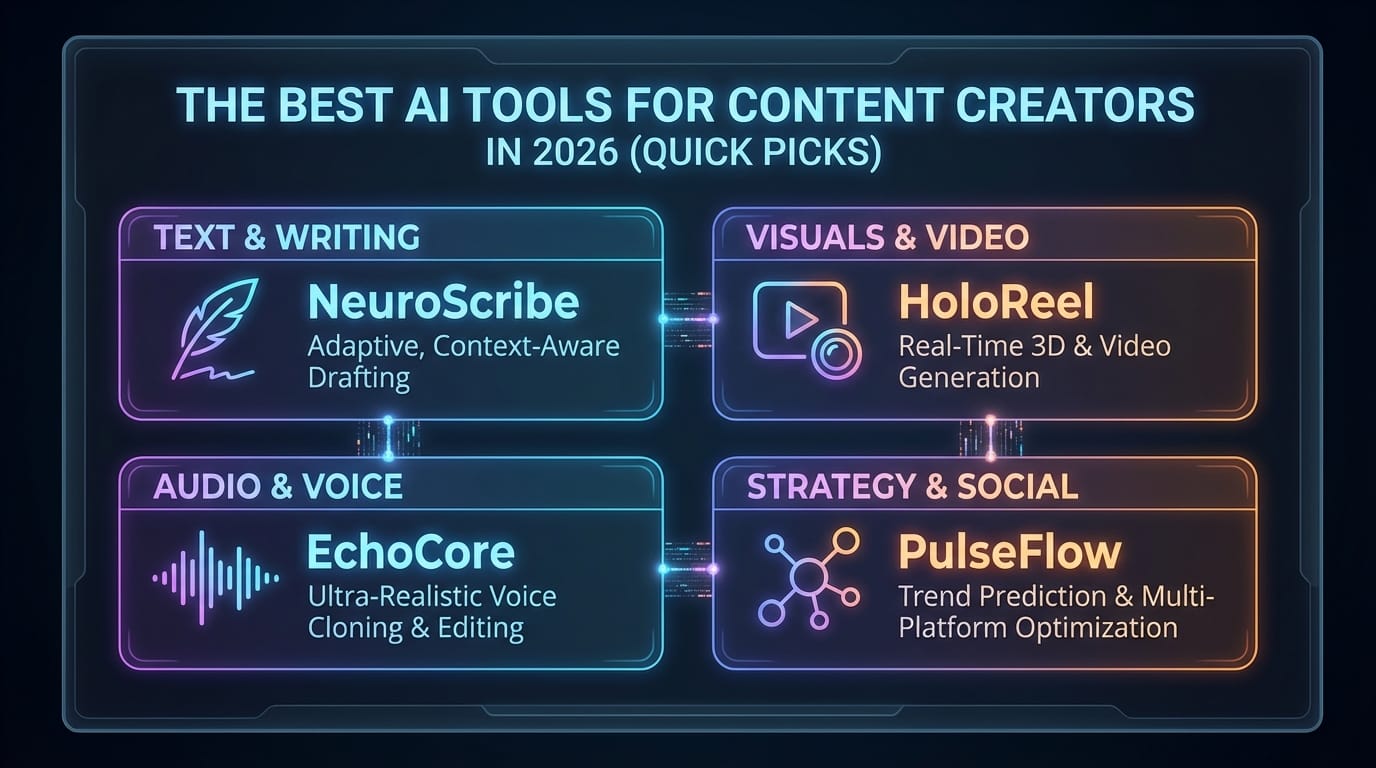
The best AI tools for content creators in 2026 (quick picks)
If you only pick five tools, pick these.
They cover captions, editing, voice, clips, and automation.
They also offer free tiers or trials for testing.
They can boost output up to 10x with smart workflows.
Quick comparison table (free + paid)
| Tool | Best for | Free tier / trial | Paid starts | Why creators pick it in 2026 |
|---|---|---|---|---|
| HappyScribe | Transcripts, subtitles, translation | Trial | $17/mo | Hits up to 99% accuracy, supports 140+ languages, exports SRT/VTT fast. |
| Descript | Text-based video and podcast editing | Limited free | $24/mo | You edit by editing words, not timelines. Saves hours weekly. |
| ElevenLabs | Voiceovers and dubbing | Free tier | $5/mo | Lifelike voices, strong multilingual audio, fast cloning options. |
| Kapwing | Fast social video edits | Free (watermark) | $24/mo | Smart cuts and auto-subtitles for shorts and reels. |
| Zapier | Automation between apps | Free tier | ~$20/mo | Connects your tools into one system. Cuts repeat work hard. |
The “also great” list (when you want to scale)
These tools fill common gaps fast.
They help with recording, clipping, design, and scheduling.
| Tool | Best for | Free tier / trial | Paid starts | Quick note |
|---|---|---|---|---|
| Riverside | Remote recording | Trial | Varies | Clean local tracks, great for podcasts and interviews. |
| Opus Clip | Long video to shorts | Free tier | ~$19/mo | Finds “viral” moments and formats them for social. |
| Canva Magic Media | Thumbnails and visuals | Free tier | $15/mo | Quick designs for non-designers, prompt-to-visual support. |
| Adobe Firefly / Express | Pro assets and cleanup | Limited free | ~$20/mo | Strong brand tools and pro-grade polish. |
| Buffer AI | Captions and scheduling | Free (3 channels) | Add-ons | Helps plan posts, rewrite captions, and keep tone consistent. |
Ever wonder why these keep showing up everywhere?
Creators keep picking them because they save real time.
They also plug into common creator workflows without pain.
How to choose the right AI tool (without overthinking it)
Pick tools based on your biggest time-waster.
Do you lose time on captions, edits, or posting?
Start there and build your stack around that.
Use this simple “problem → tool” cheat sheet
- “Captions take forever.” → Start with HappyScribe or Kapwing.
- “Editing makes me want to quit.” → Use Descript for text edits.
- “I hate recording voiceovers.” → Use ElevenLabs for narration.
- “I need more shorts from long videos.” → Use Opus Clip.
- “Posting everywhere drains my soul.” → Use Buffer AI + Zapier.
A quick budget rule that actually works
If you publish once per week, start free first.
If you publish three times per week, pay to save time.
Time usually costs more than subscriptions, sadly.
Verified creator reviews in 2026 keep repeating one theme.
AI now handles 70–80% of repetitive tasks in many workflows.
That means captions, trims, formatting, and scheduling.
Best AI tools for transcription, subtitles, and translation
Captions help views and watch time.
They also help people watch without sound.
So yeah, they matter a lot.
HappyScribe: the “make captions painless” pick
HappyScribe turns audio into text fast.
It supports 140+ languages, which feels almost unfair.
It can reach up to 99% accuracy with verification options.
Here’s what I like most about it:
- It creates SRT and VTT subtitle files quickly.
- It helps teams collaborate on the same transcript.
- It supports translation for global clips and reposts.
- It focuses on security standards like GDPR and SOC 2.
Real workflow example (podcaster / journalist):
A creator uploads a YouTube link, not huge files.
HappyScribe generates captions and a clean transcript in minutes.
Their team then translates episodes for global audiences.
They save hours every week versus manual typing.
Want the simplest win in content creation?
Add subtitles, then reuse the transcript everywhere.
When Kapwing beats transcription tools
Kapwing shines when you want quick social edits.
It can auto-caption while you cut clips.
So you skip the “export, upload, wait” loop.
Pick Kapwing when you need:
- Fast shorts, reels, and TikTok edits
- Auto-subtitles with quick styling
- A browser tool your team can share
Kapwing’s free tier adds a watermark though.
That watermark screams “I used the free plan,” FYI. 🙂
Best AI tools for text-based video and podcast editing
Classic editors feel like flying a spaceship.
Descript feels like editing a Google Doc instead.
That one change saves beginners a ton of time.
Descript: edit video by editing words
Descript lets you cut video by deleting words.
You can remove filler words and awkward pauses fast.
You can also repurpose interviews into clips and blogs.
Creators and marketing teams use Descript for repurposing.
They turn webinars into thought leadership content quickly.
They often say it feels “seamless” for audio-to-text edits.
Here’s what Descript does well:
- Text-based cuts for video and podcasts
- Audio cleanup for noisy recordings
- Fast clip creation for social posts
- Helpful features for teams and reviews
Descript vs Kapwing: which one should you pick?
Ask one question: where do you edit most?
- Pick Descript if you edit podcasts and interviews.
- Pick Kapwing if you push lots of short social videos.
- Pick both if you value speed over minimal subscriptions.
Yes, subscriptions stack up like dirty dishes. :/
Common limitation to watch
Long projects can burn through credits quickly.
So track your usage on big weekly episodes.
You can still keep costs sane with shorter exports.
Best AI voice tools for voiceovers and dubbing
Voiceovers help when you hate microphones.
They also help when you need multiple languages.
And they help when you want consistent tone.
ElevenLabs: the top voiceover pick (free + paid)
ElevenLabs delivers lifelike voices fast.
It supports multilingual narration and dubbing.
It also offers a low entry price at $5/month.
A lot of creators use it daily for narration.
Some pair it with Riverside for podcast workflows.
Verified creator reports also mention huge adoption, like 1M+ creators.
Use ElevenLabs for:
- YouTube narration and explainers
- Course voice tracks and tutorials
- Dubbing clips for new regions
- Testing hooks with different voice styles
Creator-style testimonial (from 2026 reviews):
Creators often say the voices sound “human” and usable.
They also like the speed for daily production schedules.
That matters when you ship content every single day.
A simple voiceover workflow that works
Try this three-step loop:
- Write a short script in plain language.
- Generate voice in ElevenLabs with your style.
- Add captions in Kapwing or HappyScribe.
Do you need perfect audio every time?
No, you need clear audio every time.
ElevenLabs gets you there without studio gear.
Best AI tools for repurposing long videos into shorts
Shorts drive discovery on most platforms.
But clipping long videos takes forever by hand.
So AI clipping tools earn their keep quickly.
Opus Clip: “find the good parts for me”
Opus Clip scans long videos and finds highlights.
It then formats clips for TikTok, Shorts, and Reels.
It can turn one interview into many bite-sized posts.
A blogger described it as “social gold” from long footage.
That lines up with how creators use it in 2026.
They want speed, volume, and decent formatting choices.
Use Opus Clip when you have:
- Podcasts with strong moments and stories
- Long YouTube videos with clear sections
- Interviews you can slice into themed clips
A realistic expectation check
No AI nails every clip perfectly.
You still need to review clips before posting.
But you review minutes, not hours, so you win.
Best AI design tools for thumbnails and social graphics
You can write great content and still flop.
Bad visuals can kill clicks fast.
So let’s keep your designs clean and simple.
Canva Magic Media: fast visuals for non-designers
Canva helps you make thumbnails and posts quickly.
Magic Media adds prompt-based visual generation and video tools.
It works well when you want “good enough” fast.
I use Canva when I need speed and consistency.
I also like quick resizing for every platform.
That saves me from making fourteen versions manually.
Use Canva for:
- YouTube thumbnails with clear text
- Instagram carousels and story graphics
- Brand kits for fonts and colors
- Quick cutouts and background edits
Adobe Firefly / Express: when you want more polish
Adobe tools shine for brand-heavy teams.
They help with pro assets and cleanup tasks.
They also fit creators who already use Adobe products.
Pick Adobe when you need:
- Strong brand control across many assets
- Pro-grade cleanup and design workflows
- Better alignment with other Adobe tools
IMO, Canva feels easier for beginners.
Adobe feels stronger for teams with brand rules.
Pick the one you will actually use daily.
Best AI automation tools for creators who post everywhere
You can create great content and still fail.
You fail when you never ship content consistently.
Automation helps you ship without burning out.
Zapier: the “glue” that makes everything 10x better
Zapier connects your apps with simple workflows.
Creators often call it their daily automation tool.
It turns separate tools into one content machine.
Here are automations I see creators use most:
- Save new transcripts to Google Docs automatically
- Post new shorts to a scheduling queue
- Send scripts to voiceover tools for drafts
- Notify a team channel when assets export
Creator-style testimonial (from 2026 video reviews):
Creators say Zapier builds “autopilot systems” for content.
They say it makes other AI tools feel 10x stronger.
That sounds dramatic, but it feels true in practice.
Buffer AI: captions, tone, and scheduling help
Buffer helps you plan and schedule posts.
Its AI features help generate captions and variations.
It also helps keep your tone consistent over time.
Buffer works well if you:
- Manage three channels on the free plan
- Want quick rewrites for different platforms
- Need a calendar view for sanity
Want a simple system that works?
Schedule first, then create content to fill the plan.
That flips stress into structure.
Best AI tool for recording clean remote interviews
Remote guests often bring chaos.
They bring dogs barking and Wi‑Fi drops.
You still need clean audio and video.
Riverside: clean recording for podcasts and interviews
Riverside records high quality local tracks.
That helps even when the internet acts weird.
It fits podcasters, YouTubers, and interview shows.
Creators often pair Riverside with Descript.
They record clean tracks, then edit with text.
That combo saves hours on every episode.
Free vs paid: what you really get
Free plans help you test fast.
Paid plans help you scale without limits.
So you should match your plan to your workload.
When free plans work fine
Start free when you publish less often.
You can still ship great content with limits.
You just need patience and tighter workflows.
Free options that work well:
- ElevenLabs free tier for short voice tests
- Kapwing free plan for quick drafts
- Buffer free plan for three channels
- Canva free tier for basic designs
- HappyScribe trial for real accuracy testing
When paid plans pay for themselves
Paid plans work best when time matters most.
They remove caps, watermarks, and export limits.
They also reduce “tool friction” across your week.
A simple ROI example helps here.
HappyScribe starts at $17/month on Lite.
If it saves two hours monthly, it already wins.
Descript at $24/month can also save hours.
It replaces complex timeline edits with text edits.
That feels like cheating, but the good kind.
A few ready-to-copy AI workflows (for real creators)
You can mix these tools like LEGO bricks.
Each stack solves a common creator problem.
Pick one stack and improve it over time.
Workflow 1: YouTuber who wants more shorts
- Record in Riverside for clean tracks.
- Edit the main video in Descript quickly.
- Clip highlights using Opus Clip.
- Add captions in Kapwing for fast styling.
- Schedule posts using Buffer.
Workflow 2: Podcaster who wants global reach
- Record clean audio and export the final mix.
- Transcribe and subtitle in HappyScribe.
- Translate key clips for new regions.
- Dub short promos with ElevenLabs.
That workflow matches a real 2026 case pattern.
Creators report saving hours weekly with faster transcripts.
They also expand reach with multilingual subtitles.
Workflow 3: Small team that needs automation
- Create content and exports in your main tools.
- Use Zapier to move files automatically.
- Trigger tasks like posting, saving, and alerts.
Do you want “more time to create” each week?
Automation gives that time back in small daily chunks.
Common mistakes to avoid (so you don’t rage quit)
AI tools help a lot, but they still fail.
They fail when you use them without a plan.
So keep it simple and stay consistent.
Don’t chase tools instead of shipping content
Creators test tools for weeks and post nothing.
That feels productive, but it produces nothing.
Pick one stack and post for 30 days.
Don’t trust AI clips without review
AI can pick weird moments for shorts.
You should review every clip before posting.
You protect your brand with five minutes of checking.
Don’t ignore integrations
Integrations save more time than fancy features.
Zapier often beats “one more editing feature” for speed.
So choose tools that play nice together.
Conclusion: do this next (fast and practical)
- Pick one main pain point (captions, edits, shorts, posting).
- Test one free tier this week (HappyScribe, Descript, ElevenLabs).
- Pay for the tool that saves hours, then automate with Zapier.
You don’t need every AI tool.
You need a small stack you use every week.